THE REAL WORKSPACE
Inside your Lumora studio.
Library, colour, portraits, layouts and cards. A tour of the actual Lumora interface using fictional demonstration photographs.
 LUMORASTUDIO PRO
Colour. Retouch. Create. Bring your photographs to life
in one beautifully connected creative studio.
 Every tradition.
 A story
Your photographs stay at the heart of it all. Move naturally from your favourite moments to your finished story.
Bring your collection together. Review your photographs, choose the moments that matter and take your favourites into the edit.
Actual desktop interface · Select a step to explore
Step inside the studio, then explore two wedding-film inspirations. Press play when you are ready.
Library, colour, portraits, layouts and cards. A tour of the actual Lumora interface using fictional demonstration photographs.
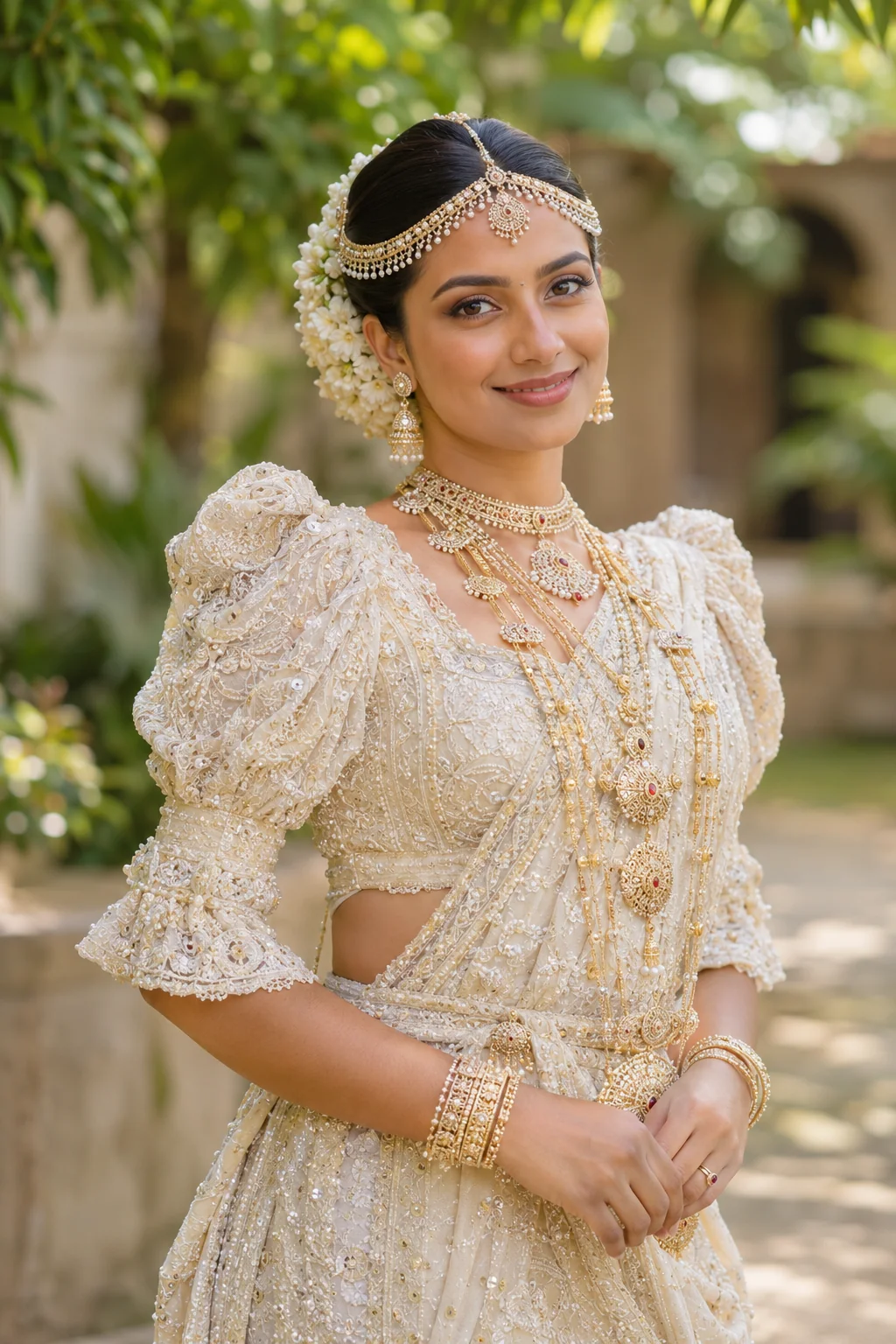
Ivory silk, delicate gold and a quiet moment together. An AI wedding-film concept created for the Lumora collection.
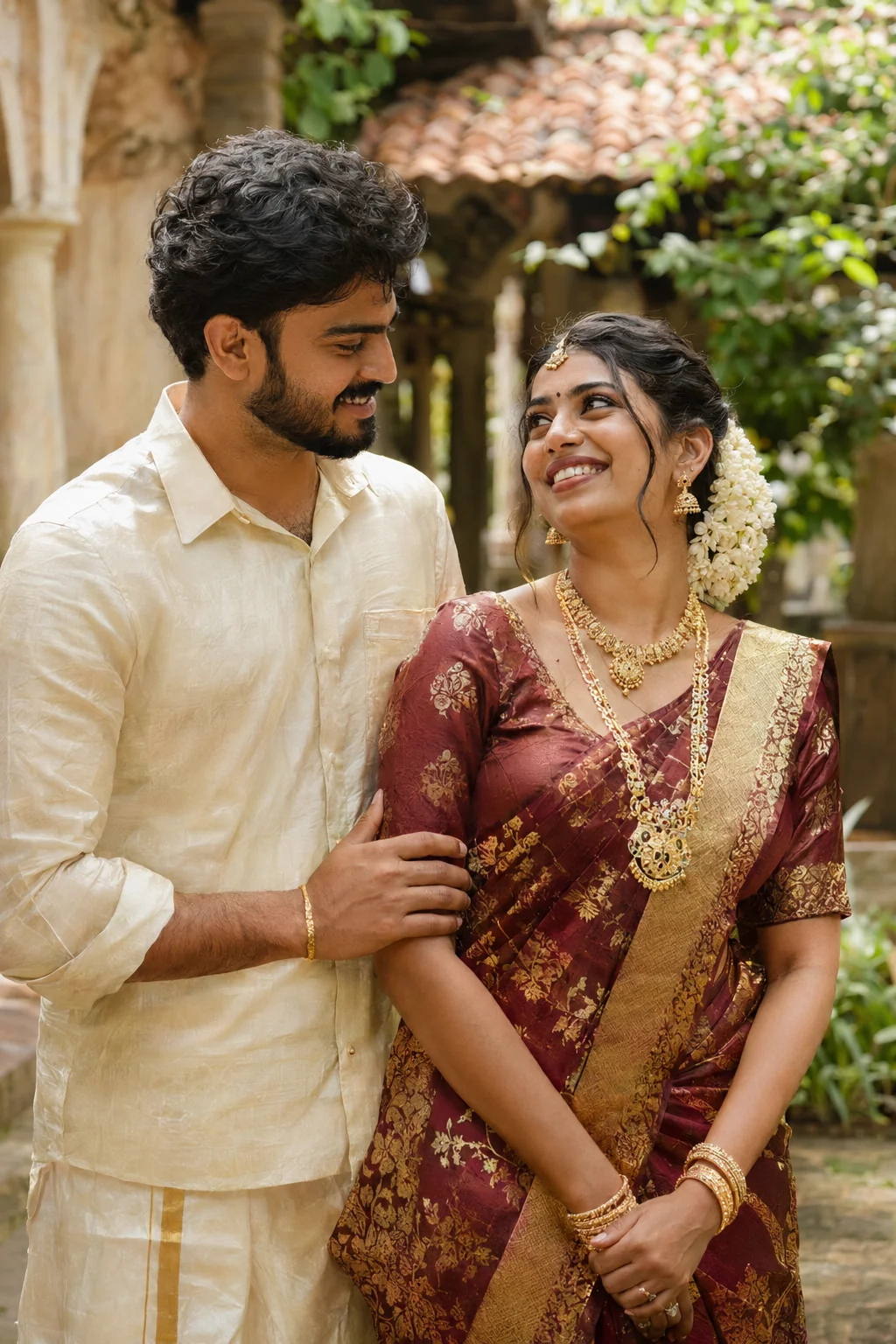
Maroon silk, jasmine and the warmth of a shared smile. An AI wedding-film concept created for the Lumora collection.
Demonstration photographs and wedding films use fictional AI models. Studio tour shows the actual Lumora interface. Wedding films are illustrative concepts.
Beautiful photographs deserve a beautiful home.
Turn the pages and imagine your next signature album.
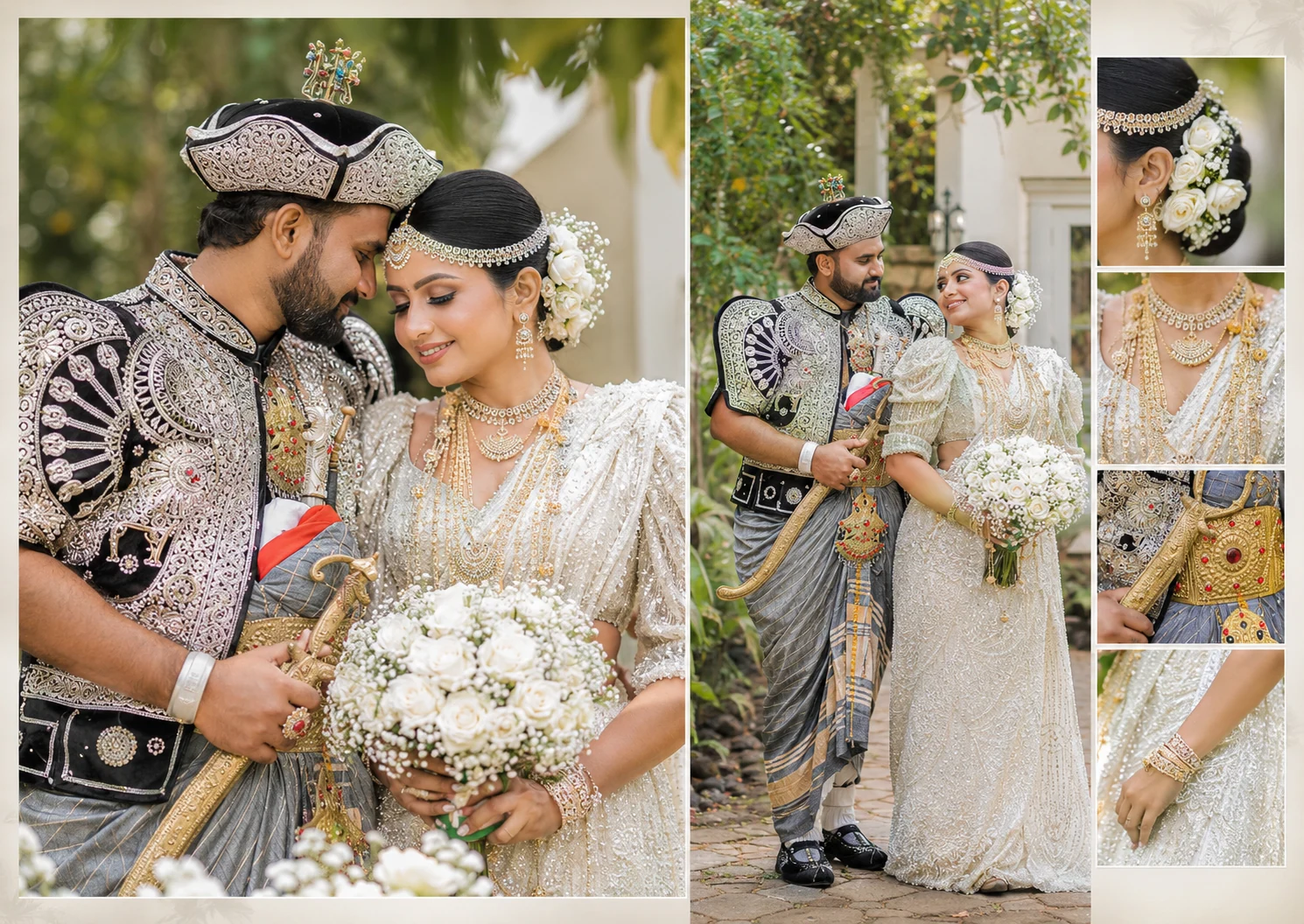
Curated album designs. Turn the pages with the arrows, your keyboard or a swipe.
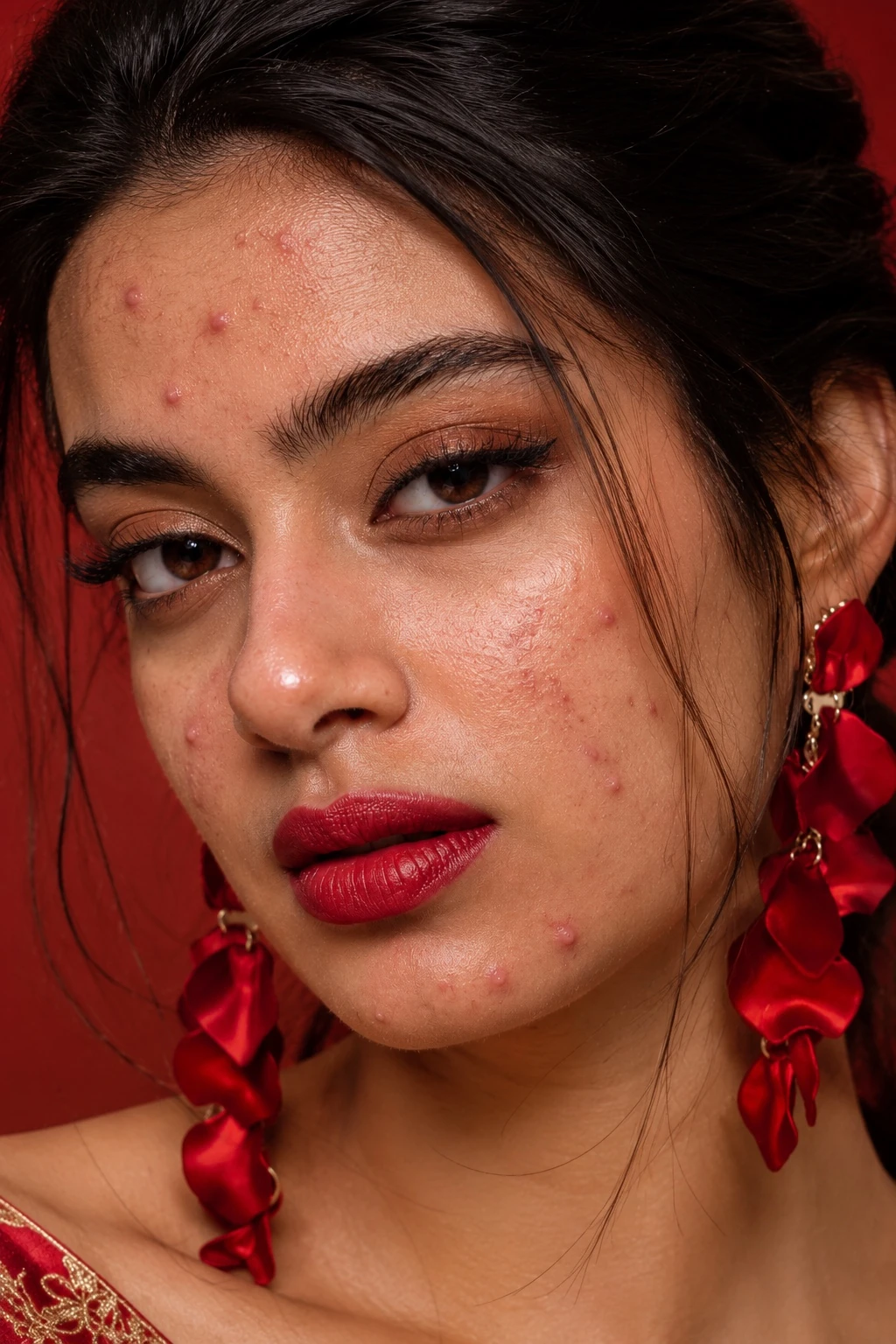
A polished portrait starts with a light touch. Refine blemishes, balance the colour and shape the light while keeping the skin's texture and the character of the face.
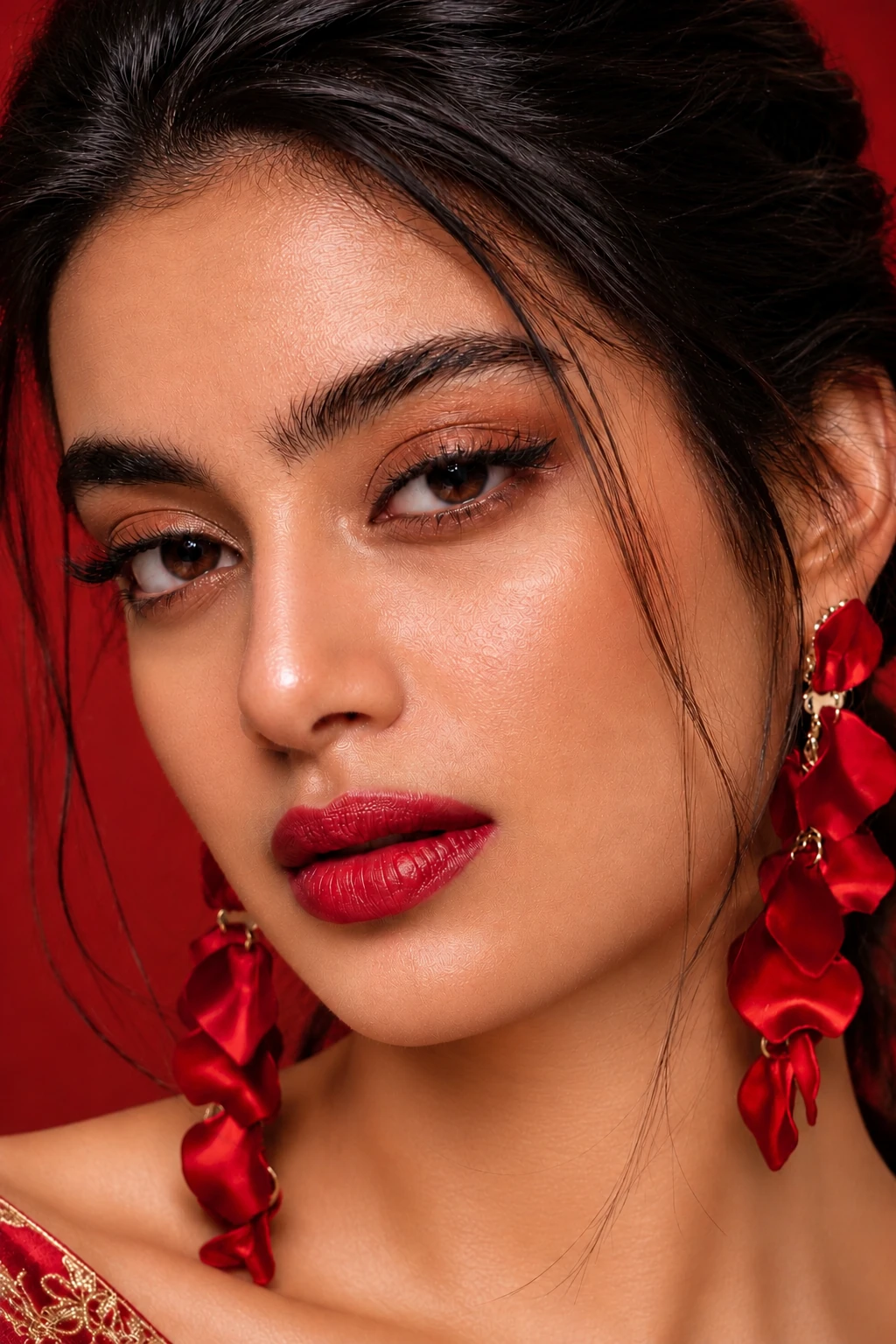 BEFORE Source portraitAFTER Supplied reference
Drag the divider, or choose Before and After.
Supplied before/after finish reference. Choose Actual Lumora result to see the software-processed version.
Start with a portrait. Refine its finish, carry the retouch settings to your selection and review the photographs together.
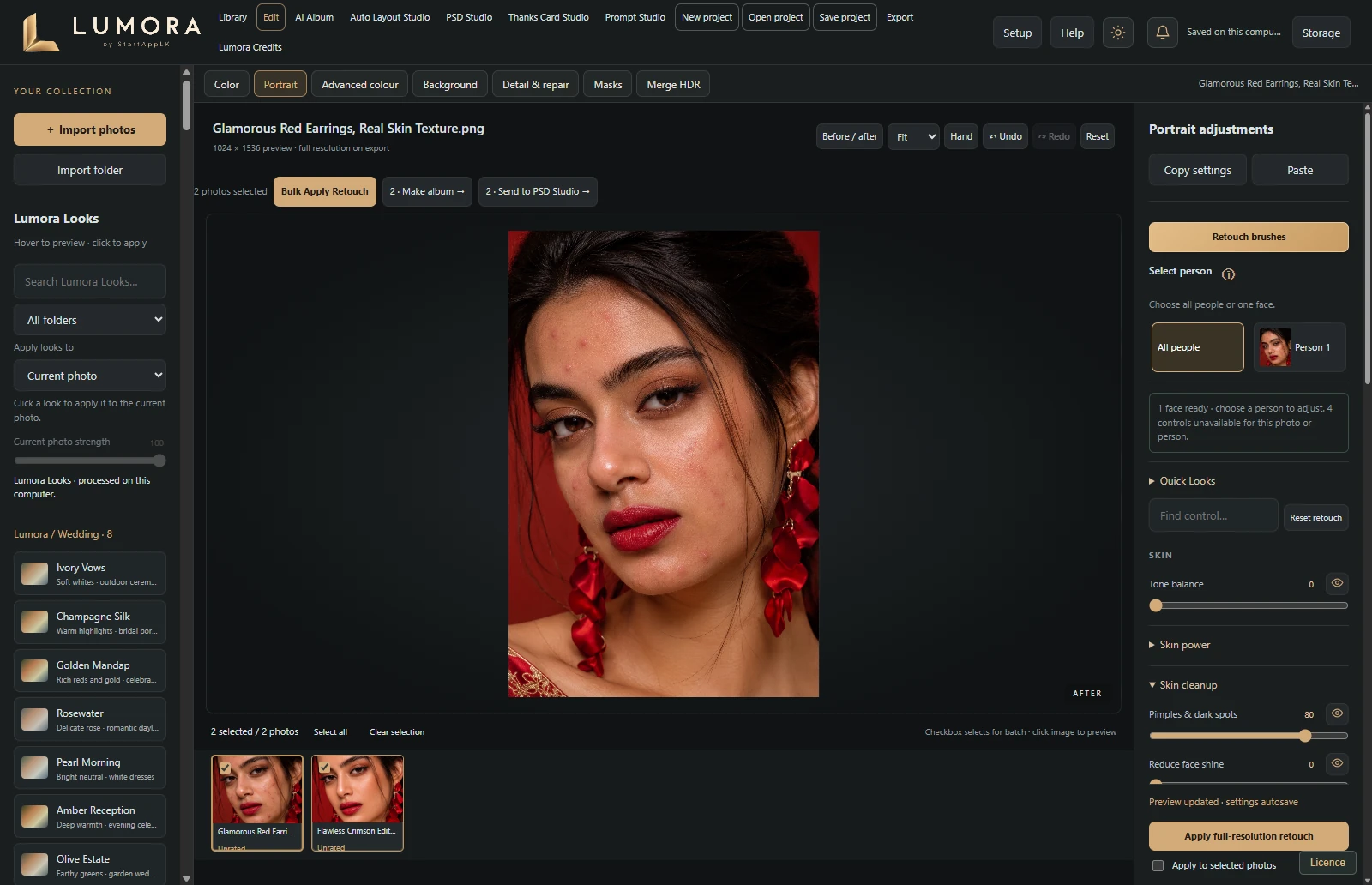
Actual Lumora interface with the supplied demonstration photograph.
Choose a portrait Quick Look, then adjust skin smoothing, blemish refinement and dodge & burn. Inspect the face and use selective controls where needed.
Select your photographs and apply the retouch settings from your finished image. Each photograph is processed with its own face and skin selection.
Compare before and after, refine individual photographs and export. Bulk Apply Colour is available separately when you only want to carry the colour settings.
Activate your eligible Windows PC to start a 7-day trial. No automatic paid renewal.
From Tamil and Sinhala weddings to the quiet moments before.
A considered collection of wedding and preshoot inspiration.
Created editorial imagery, inspired by Sri Lankan celebrations.
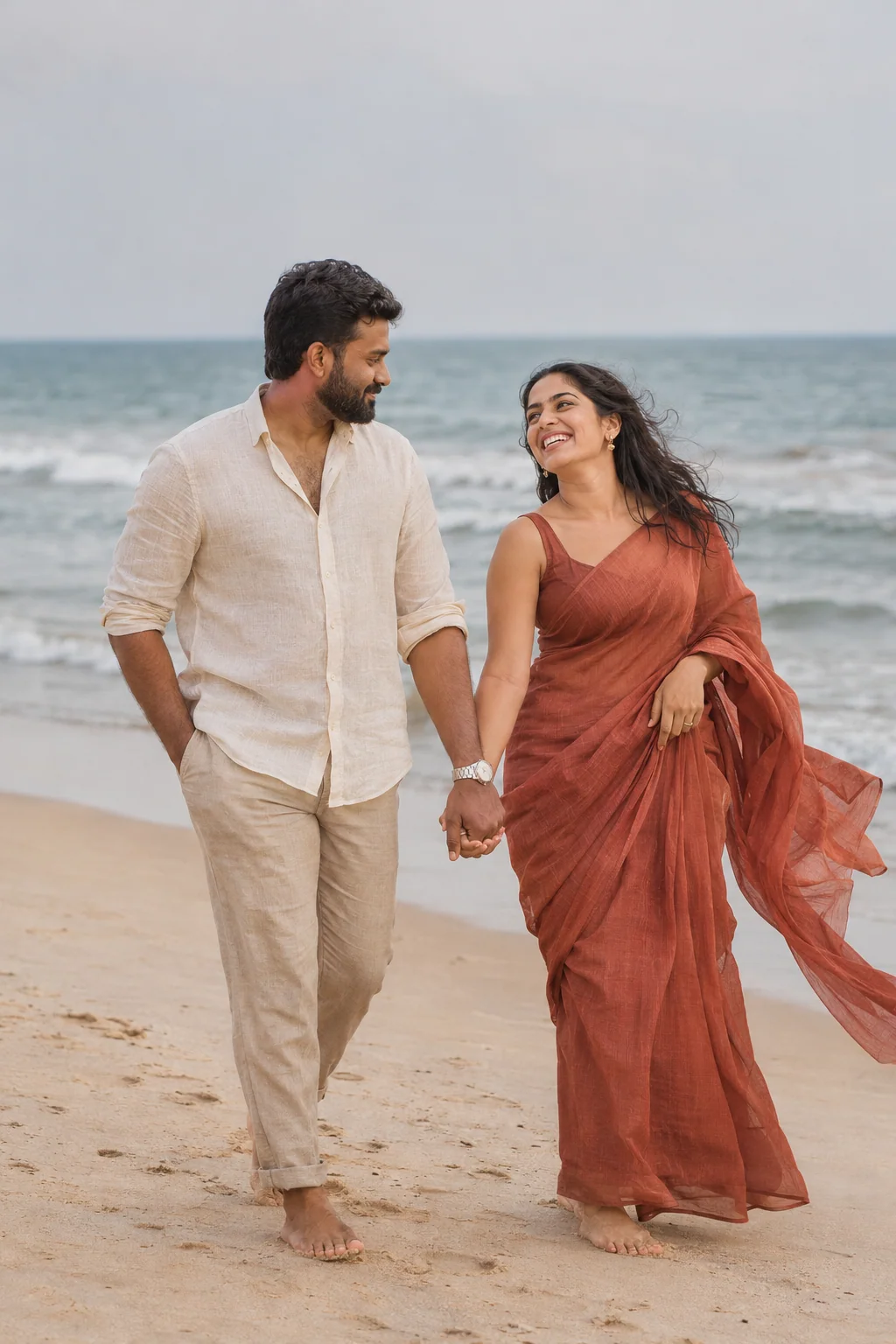
Explore AI-assisted design alongside your everyday studio tools. Bring your ideas, explore a new composition and review every detail before delivery.
Services and packages are available when published in your account.
Get to know Lumora with your own photographs.
Choose the membership that suits your workflow.
One month of creative work.
6 months · Rs 4,000 per month, paid upfront.
12 months · Rs 4,000 per month, paid upfront.
One eligible trial per account and PC. No automatic payment.
Start your trialSign in, choose your membership and create a payment request. After a transfer, submit your transaction reference and receipt for verification.
Pathmalingam Sharmilan
101001231163Pathmalingam Sharmilan
8148013643Binance ID
445151059Confirm the currency and exact amount with Lumora before transferring. This ID is not a blockchain wallet address.boomputtalam@gmail.comAsk Lumora for a PayPal invoice before paying. PayPal checkout is enabled separately after the merchant connection is verified.Download, install and get comfortable in your studio. Follow our installation walkthrough and practical guides at your own pace.
Watch Lumora tutorials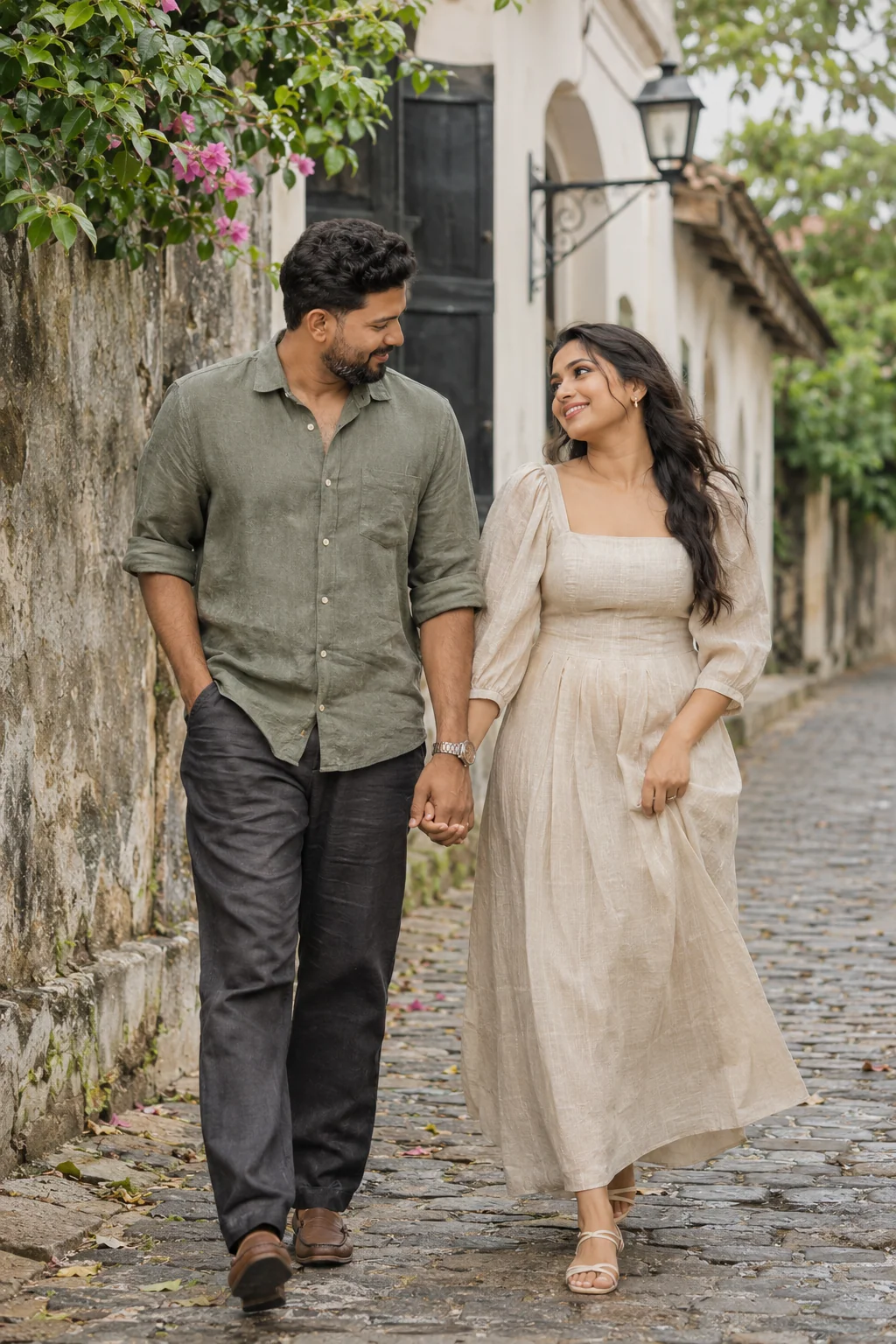
Your licence, your downloads and your next steps.
We're here to helpDownload the published Windows installer, create your account and connect your computer from Licence in the app. An eligible new account and PC can activate a 7-day trial.
Yes. Choose your photographs in Library, refine them in Edit, then take your selected photographs into Auto Layout Studio, PSD Studio or Thanks Card Studio. Review your crops and finishing before export.
The current Lumora studios include layered PSD export for album and card workflows. Check the notes for the version you download and review the exported layers in Photoshop.
Software access and Lumora AI credits are managed separately. Open your account to see your balance and published packages. AI generation needs an active service and sufficient credits; costs are shown before a request.
Yes. Use your own photographs and supported templates in the appropriate studio. Your member account also gives access to resources published for an active paid membership.
A paid membership supports one active Windows computer. Contact Lumora for an approved transfer. Trial licences cannot be transferred.
Lumora Studio Pro is currently available for Windows. The account website works on mobile; there is no Mac or mobile desktop installer on this site.
Visit the guides, watch the installation walkthrough, or contact Lumora on WhatsApp at +94 77 023 5034. Please include the app version and a short description of the issue.
Make room for your best work yet.
Get Lumora for WindowsA little help getting started?